Tech Explained: what a copier or printer quote really costs per page
A quote for a copier or printer leads with one monthly figure. This page shows how to turn that figure, and the per-page and fee terms printed beside it, into a cost per page over the whole term, so two quotes can be compared on the same basis.
The monthly rate is only the start of the arithmetic
Most business quotes put the monthly payment first, and it is the number a reader is most likely to hold against another offer. It is one of several charges. The pages included each month, the rate for each extra black-and-white or colour page, delivery and setup, and any charge at the end of the term all change what the office really pays. Divide the full amount by the pages actually printed, and the result is the figure to compare.
A low monthly rate tells you very little until you know what each extra page costs and what happens on the last day of the term.
As ENERGY STAR explains, printers, copiers, multifunction devices and scanners that earn its label are third-party certified to use less energy, which is worth checking before an office signs a rental or lease.
Work out the cost per page from your own quote
Type in the figures printed on a quote you already hold. The site holds no prices of its own, so every result comes from the quote in front of you.
- Pages included are used first by black-and-white pages. Any left over go to colour, and every page past the included count is charged at the rate on the quote.
- Delivery and setup and the end-of-term charge are added once to the total. They are not spread out or discounted.
- The low and high cases print 25 percent fewer and 25 percent more pages than entered. That swing is an assumption this page makes, not data about any office.
- Every figure is the reader's own. The calculator uses no survey, market statistic or price list.
- Cost per page is the total paid over the term divided by the pages printed over the term. Sales tax, rate changes during the term and any buyout price are left out unless they are entered as a charge.
Where a quote's cost hides: pages, fees and the end of the term
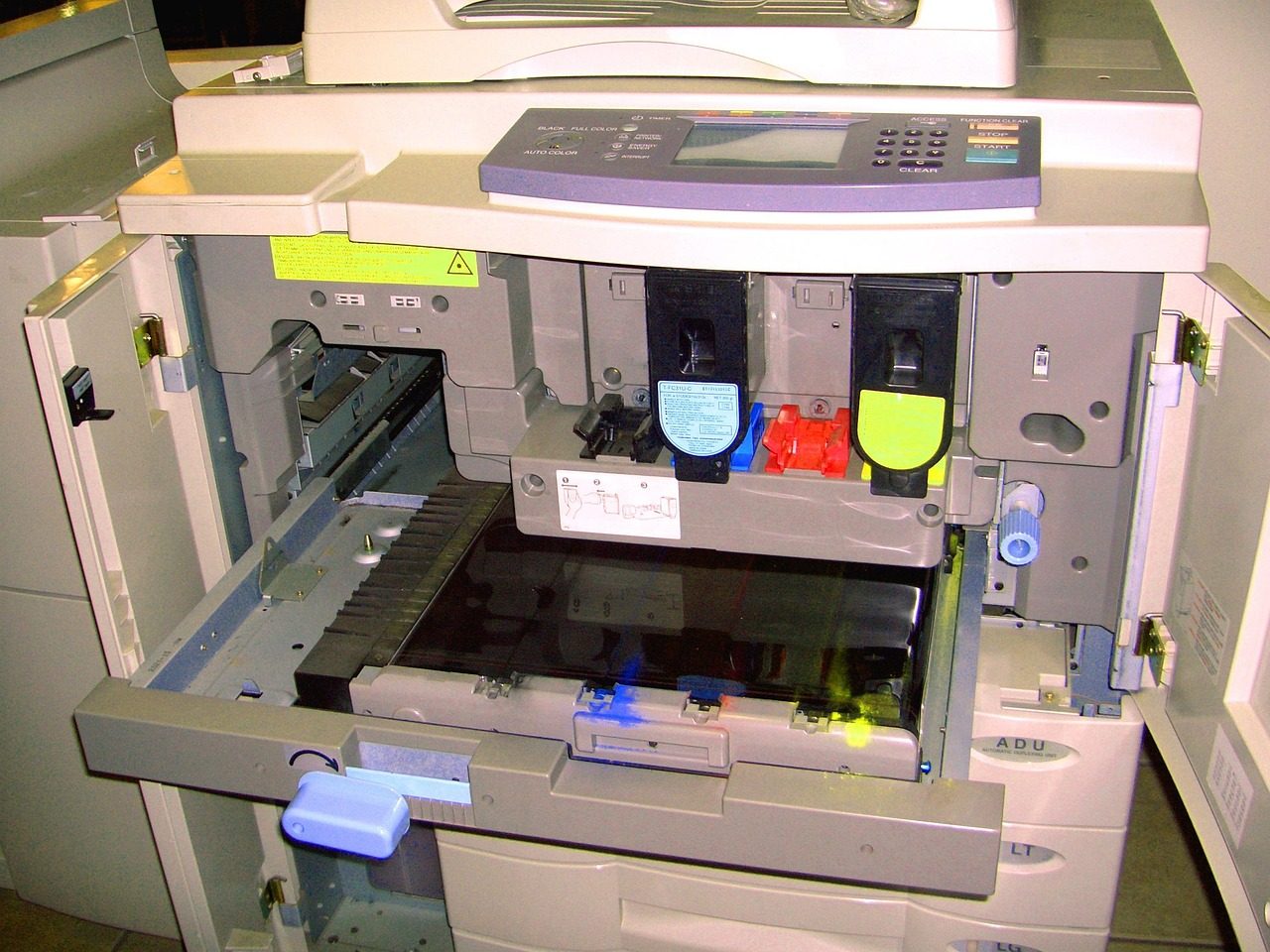

Read the quote in the order it spends your money
The monthly figure is the first line on a quote, but each month's bill is that figure plus whatever pages went over the number included. Overage is the part that changes most from one office to the next, because it depends on how much the office prints, and a quote cannot know that in advance. Fees come once, at the start and at the end, and they are easy to miss because they are not monthly. The calculator keeps those three parts apart so each can be checked against the paper.
Lease structure adds a second layer. A fair market value lease usually has a lower payment and leaves the end price open, while a $1 buyout has a higher payment and leaves the office owning the machine for one dollar at the end. Before comparing two quotes, put them on the same term and the same printed volume, since a lower monthly figure on a shorter term is a different contract. The Equipment Leasing & Finance Association industry overview is a useful place to see how much business equipment is financed rather than bought outright, and a copier lease is the everyday version of that choice.
Watch one comparison framed before you run your own
The video below is titled "Top 3 Copiers for your Small Business" and is published by The Copier Channel. We include it as a third-party walk-through of how one comparison is framed. We do not rank the machines it shows, and nothing on this site endorses any of them.
Four steps from the quote to the figure you compare
First, copy the monthly charge, the term and the pages included from the quote, and leave the fees for last. Second, enter the extra-page charges and any fees, then type the pages the office really printed last month. Third, compare the true cost per page with a second quote run on the same term and volume. Fourth, read the low and high cases: a cost per page that rises when the office prints less points to fixed charges. The 2026 pricing guide from the dealer 1800 Office Solutions puts a cost-per-page service contract at $0.01 to $0.015 per black-and-white page and $0.06 to $0.12 per colour page, a range to test the quote against.