Reach Out to the Ledger
Here is what this site can and cannot do for you, stated first. It has no email address, phone number, postal address or contact form, so nothing on it can take a message.
The routes this site actually has
Nothing on this site takes a message, and this page is not an inbox. We cannot promise a reply, a response time, or that anything you write will be read.
What you can do now, without writing to anyone, is use the contract calculator on the Tech Explained page. Enter the figures from a quote you already hold, and it works out the cost per page and the total over the term.
For a price on your own office, a fault or a service visit, the dealer or lessor that issued your quote is the one who can answer. This site cannot quote, service or repair a machine.
Questions the ledger cannot settle
This ledger cannot tell you what your office should pay, which machine fits your floor, or whether a clause holds up in law. A dealer or lessor can give prices and service, a lawyer can read a contract against the law that applies to you, and an accountant can say how a lease sits in your books.

What to have ready before you write
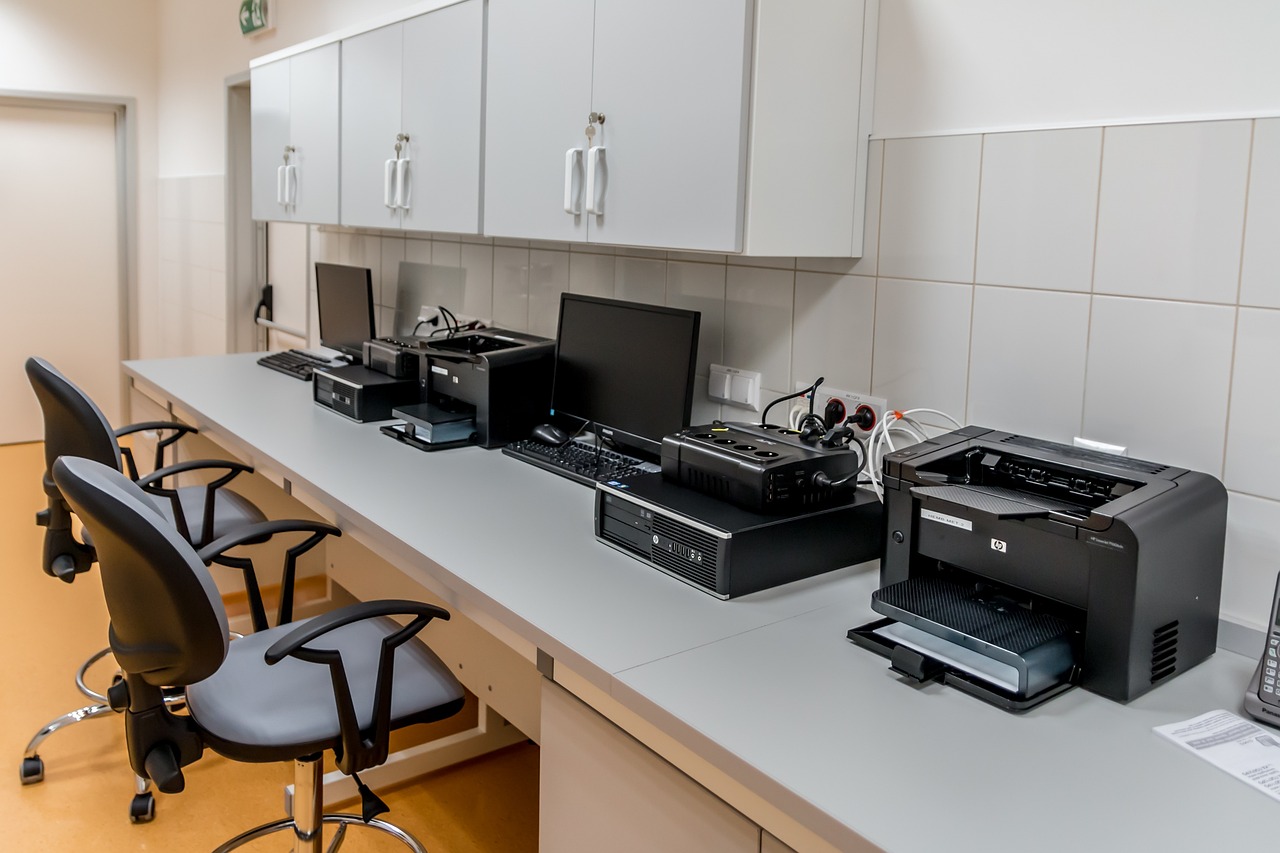
If you write to the company that sent your quote, or to a lawyer or accountant, one message goes further with the same few items. Have the quote or contract to hand, with its monthly charge, term length, pages included, and the charge for each extra black and colour page. Note any fees for delivery, setup or the end of the term, and whether the contract renews on its own and by what date notice must be given.
Then add what the office actually does: a rough monthly count of black and colour pages, the model name on the machine's label, the date the current term ends, and whether the machine stores or sends scans. The scan question decides which parts of the Security page matter most to you. With those in hand, the calculator can work out your cost per page without anyone else's help.