Projects: reference setups for office copiers and printers
Indiwall Ledger has no client projects to show. This page holds reference setups instead: three machine classes compared on the facts a reader meets on a quote and a spec sheet.
A reference shelf, not a record of jobs
We have no installs, customers or outcomes to point to, and this page does not invent any. What ties it together is sizing. Each row describes a class of machine in general terms, from a single desk unit to equipment built for long runs, and none of the rows names a model or carries a price.
One number matters before the table. Lexmark's own definitions separate the recommended monthly page volume, the range to stay within for best performance, from the maximum monthly duty cycle, which it presents only as a measure of robustness in multi-shift use (Lexmark's own product manual). Size a machine to its recommended volume rather than its duty cycle, because other makers' duty-cycle figures are not standardized.
Two pictures, chosen for what they show
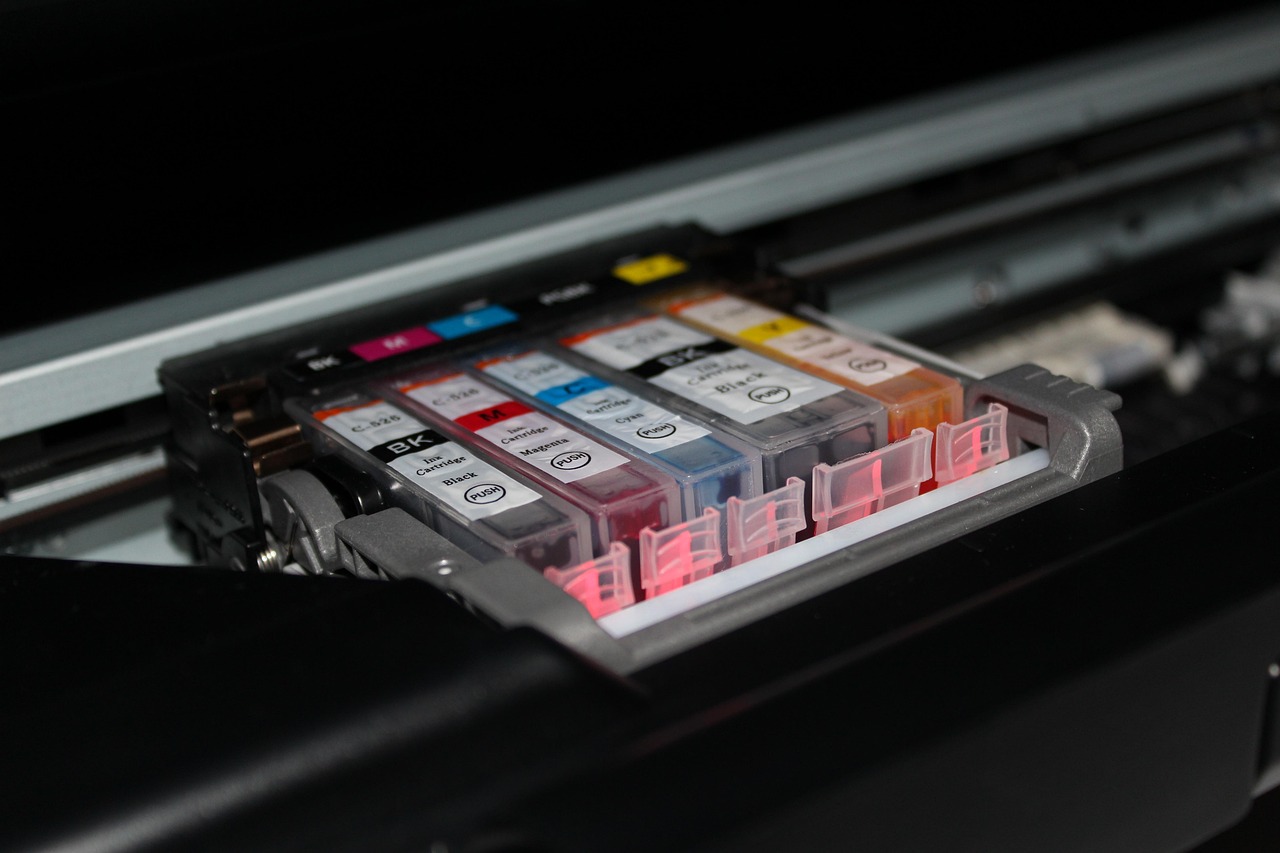
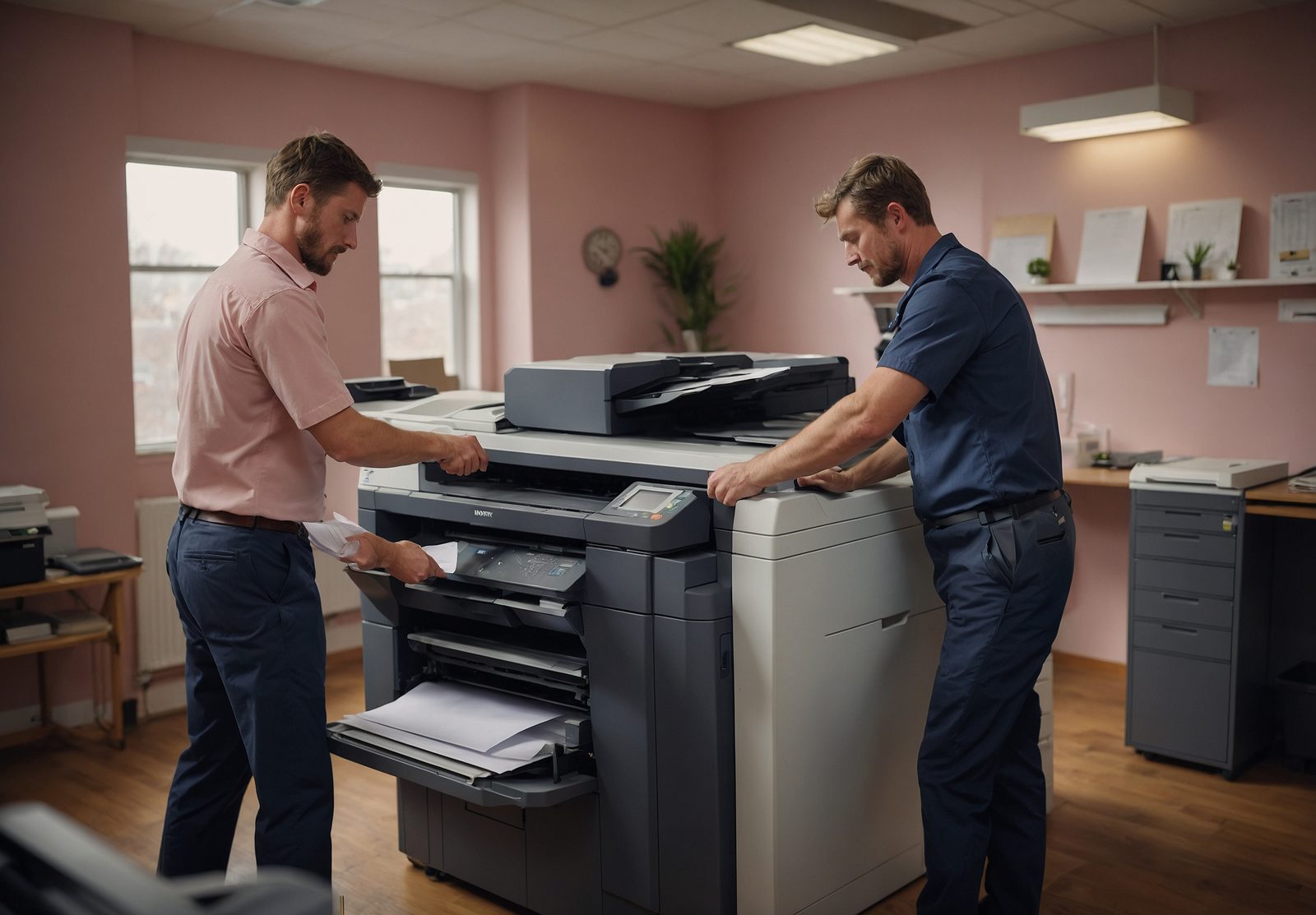
Neither picture is a job. The first is a stock photograph of colored inkjet cartridges seated in a printer carriage, a reminder that supplies are a running cost. The second was generated for this site and shows a service visit in general terms.
How each setup earned its row
We picked the three setups to cover the range from a single desk machine to equipment built for long runs. The desktop multifunction suits a small office or counter where one device does everything. The floor-standing copier suits a shared floor where several people use the same machine. The production or commercial printer suits work that runs in volume and needs finishing.
Each row then had to pass one test: its general character had to be stated in a sentence that a spec sheet could confirm. Duty, paper handling, finishing, footprint and the kind of office that suits it are the five facts compared across the classes, and no row relies on a figure without a source.
Speed is where a published rule sorts the classes most clearly. ENERGY STAR's key product criteria set automatic duplexing built into the base product at 35 images per minute and above for color machines, and at 37 and above for monochrome. For color machines, duplex may be an optional accessory from 19 to 35 images per minute, and at 19 or below none is required, so a fast machine and a slow desk unit can differ on that point before any other.
The three setups side by side
Read across a row for the setup and down a column for the fact. The cells describe general character only. The machine in front of a reader has its own spec sheet, and that sheet settles the detail.
| Setup | Typical duty | Paper handling | Finishing | Footprint | Who it suits |
|---|---|---|---|---|---|
| Desktop multifunction | Light to moderate office volume, sized to its recommended monthly range | One main input tray and a manual feed, with extra trays as an add-on | Basic, with stapling or a hole punch only where an add-on is fitted | Fits on a desk or a low cabinet | A small office or counter where one device copies, scans and prints |
| Floor-standing copier | Moderate to heavy shared volume, checked against the recommended range rather than the duty cycle | Large tray capacity, often with a bypass tray and extra trays | Stapling and booklet options, commonly offered as add-ons | A floor cabinet with room for paper stock beside it | A shared office floor where several people copy and scan through one machine |
| Production or commercial printer | Sustained high volume through a working day; the duty cycle is a robustness figure, not a planning number | Wide range of stock sizes and weights, with high-capacity feeders | Inline finishing such as stapling, folding or booklet making on many models | Large, with a fixed spot and clearance around it for service | Print rooms and in-house departments producing long runs, mailers or brochures |
A row is a starting point, not a verdict. Take the class that seems to fit to a quote and check its figures against the duty, paper, finishing and footprint columns before deciding.